Lightroom Classic plug-in · macOS & Windows

A panorama that scrolls

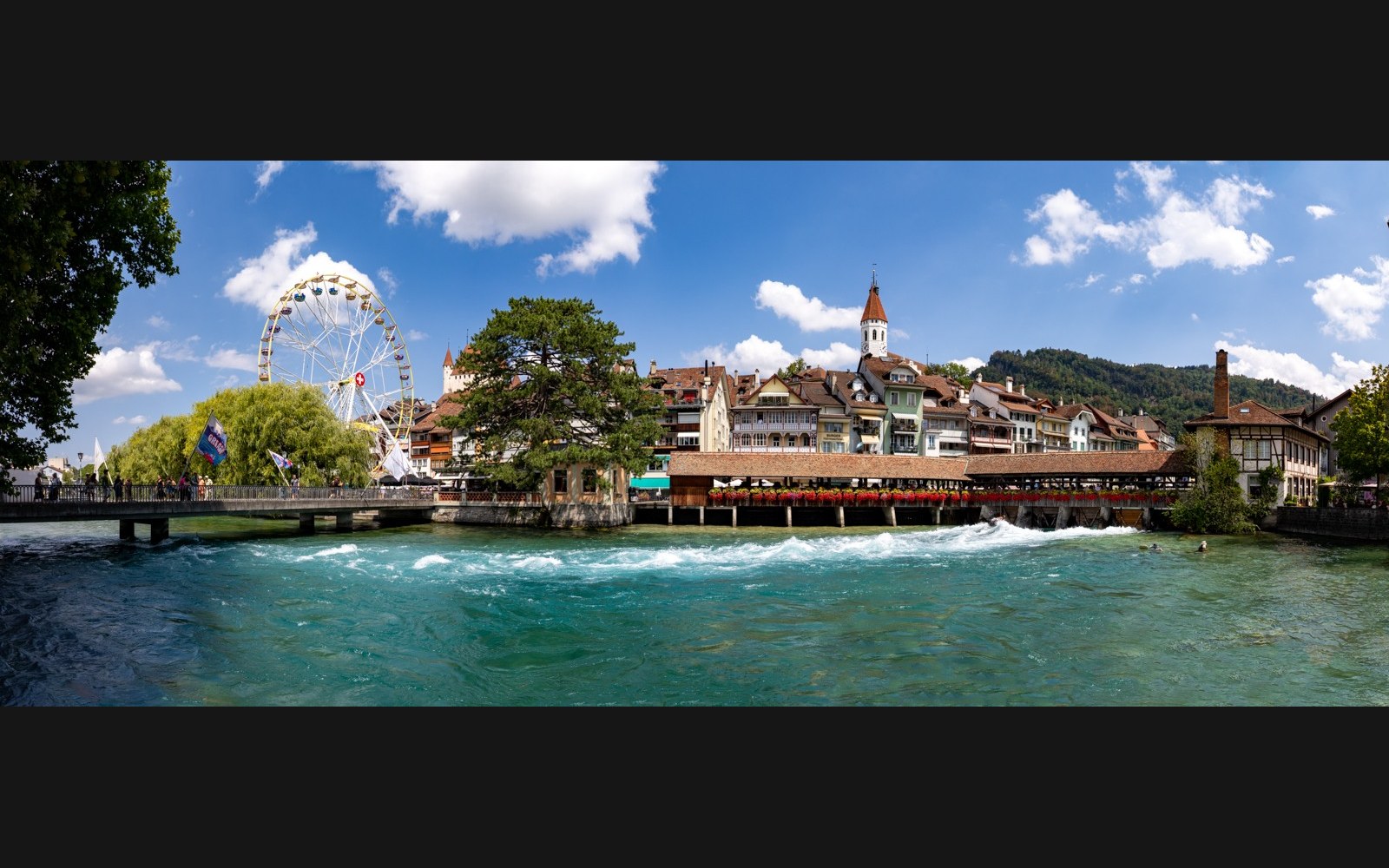
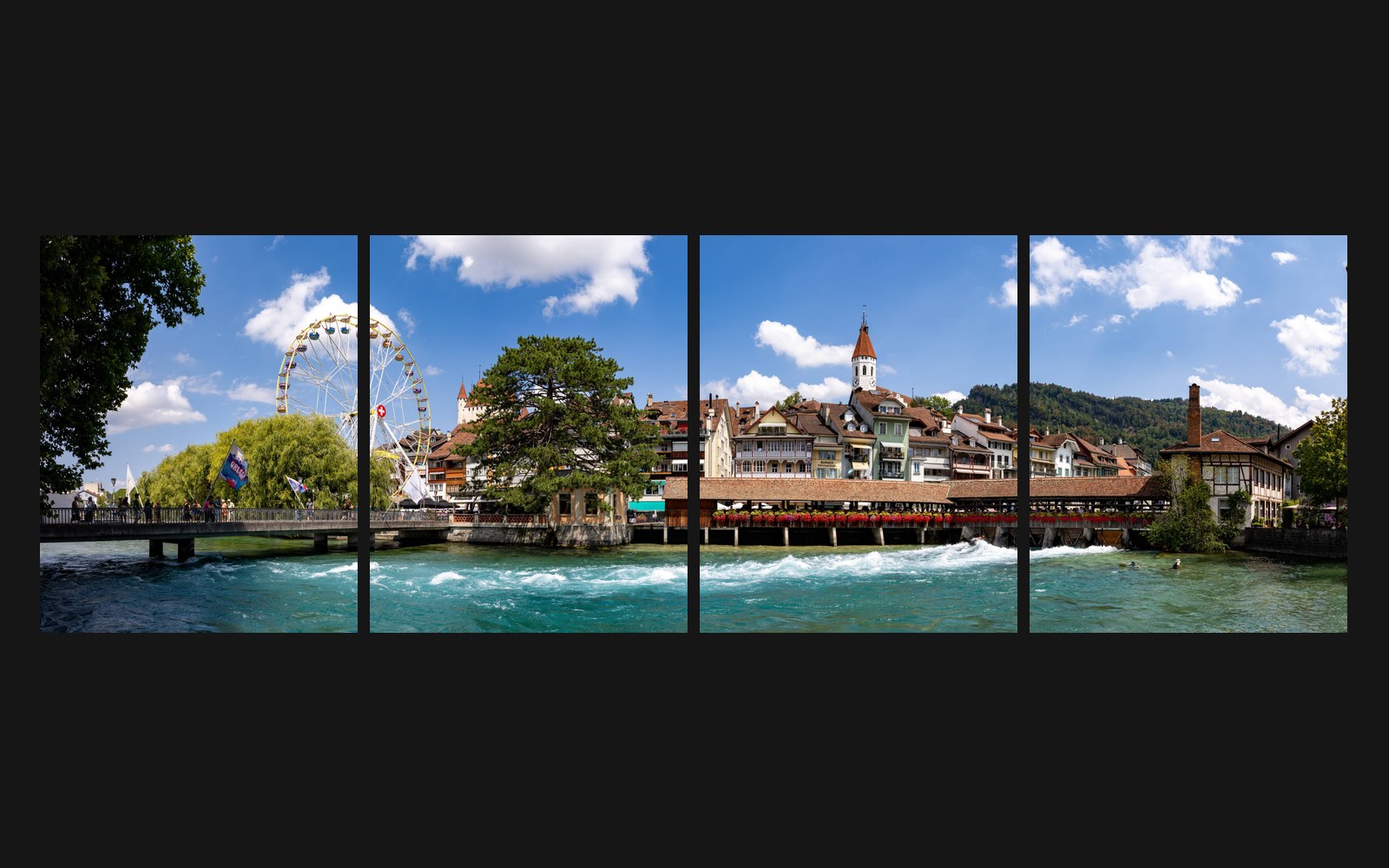
PanoramaSplitLight cuts a panorama into slides that read as one picture when someone swipes an Instagram carousel. The cuts are exact, the slides come from the photograph's own pixels, and none of it leaves Lightroom.

2–10
Slides per panorama
3
Slide shapes
LrC 6+
Lightroom Classic
0
Extra installs

A panorama, cut to scroll

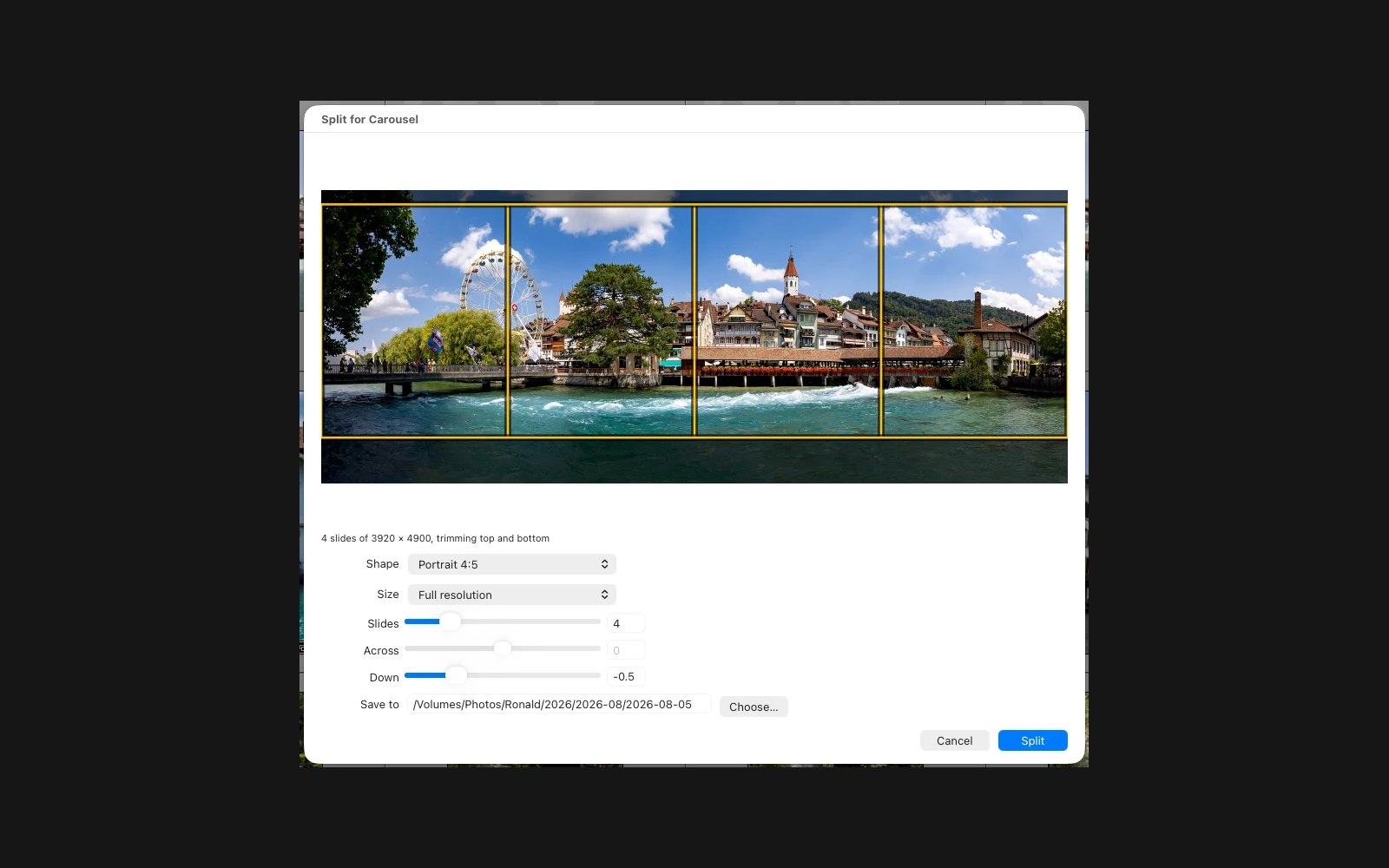
Recorded in Lightroom Classic and not sped up. The slide count changes and the cuts follow it, the line underneath says exactly what will be written, and the slides come out as separate files.

33 seconds, no sound.

Cuts that line up

Slides that meet exactly

The strip is drawn once and then cut, so one slide ends on the pixel where the next begins. Export a panorama and cut it elsewhere and a few pixels of rounding error shows as a visible jump mid-swipe.

  • One render, then exact cuts
  • No seam where slides meet
  • 2 to 10 slides

The shapes Instagram shows

4:5 portrait, 1:1 square or 3:4 portrait, with the slide count suggested from the panorama's own proportions — so a 3:1 picture in 4:5 slides starts at the count that trims least.

  • 4:5, 1:1 or 3:4
  • Count suggested, not guessed
  • Crop to fill, across or down

Full resolution by default

The slides are cut from the photograph's own pixels, as large as it allows: an 8016 × 3852 panorama in three 4:5 slides gives 2672 × 3340 each, nothing scaled. Or ask for Instagram's own 1080-wide sizes.

  • Full resolution, nothing upscaled
  • Or 1080 × 1350, 1080 × 1080, 1080 × 1440
  • Rendered through Lightroom's own export

See the cuts before you make them

The dialog shows the whole panorama with the cut lines drawn on it and the trimmed edges dimmed, updating as you change the shape or the count. You know what each slide holds before anything is written.

  • Live preview of every cut
  • Trim shown, not guessed
  • Asks before replacing slides you already made

Requirements

Host application
Adobe Lightroom Classic 6 or newer
Operating system
macOS (Apple Silicon and Intel) and Windows 10 or 11, 64-bit
Where it appears
Library menu, under Split for Carousel…
File formats
JPEG slides, numbered in order
Dependencies
None — the renderer is bundled
Licence
Perpetual, two computers per purchase
Version
1.0.2
Price
€9, once — not a subscription

One purchase covers both platforms. The download page offers a macOS build and a Windows build; take whichever you need, or both if your two computers are one of each.

PanoramaSplitLight 1.0.2

€9

One purchase, two computers

Sold through Gumroad, who handle payment, invoicing and VAT. Any VAT that applies where you live is added at the checkout.

Buy PanoramaSplitLight — €9
  • A perpetual licence for version 1.x — it does not expire
  • Install on two computers you own
  • Free fixes and improvements within 1.x
  • Support by email from the person who wrote it
  • The download by email, the moment you have paid

By buying you accept the licence agreement. Questions first? support@noblepulse.eu.

Before you buy

Yes, and that is the whole point. The strip is rendered once and then cut, so each slide ends exactly where the next begins. Exporting a panorama and cutting it in another application usually leaves a few pixels of rounding error, which shows as a jump.

No. PanoramaSplitLight asks Lightroom to render the photograph you selected and writes new slide files from it. The original and your catalogue are untouched.

Two to ten. The dialog suggests a count from the panorama's own proportions — the one that trims the least — and you can change it.

Two that you own or control — a desktop and a laptop, say. Nothing in the software enforces it and there is no activation, no licence key and no server to check in with. It is a statement of what the licence permits, and it relies on you.

No. The renderer that does the pixel work ships inside the plug-in. There is no Photoshop, no Java, no Homebrew and nothing to install separately.

No. It makes no network connections at all — no licence server, no activation, no telemetry, no update check. Your catalogue, your photographs and your settings stay on your machine.

Yes. Windows 10 and 11, 64-bit, with Lightroom Classic. One purchase covers both platforms: the download page offers a macOS build and a Windows build, and your two computers can be one of each.